| Date | September 29, 2025 |
| Venue | Research lab |
| Resource Person | Mr. Vijay |
| Faculty Coordinator | Prof. Supriya Shigwan |
| Department | Electrical and Computer Engineering |
| Event Objective | To study and understand the process of assembling a personal computer and identify each component. |
| Event Outcome | Participants gained practical experience in assembling and maintaining a computer. |
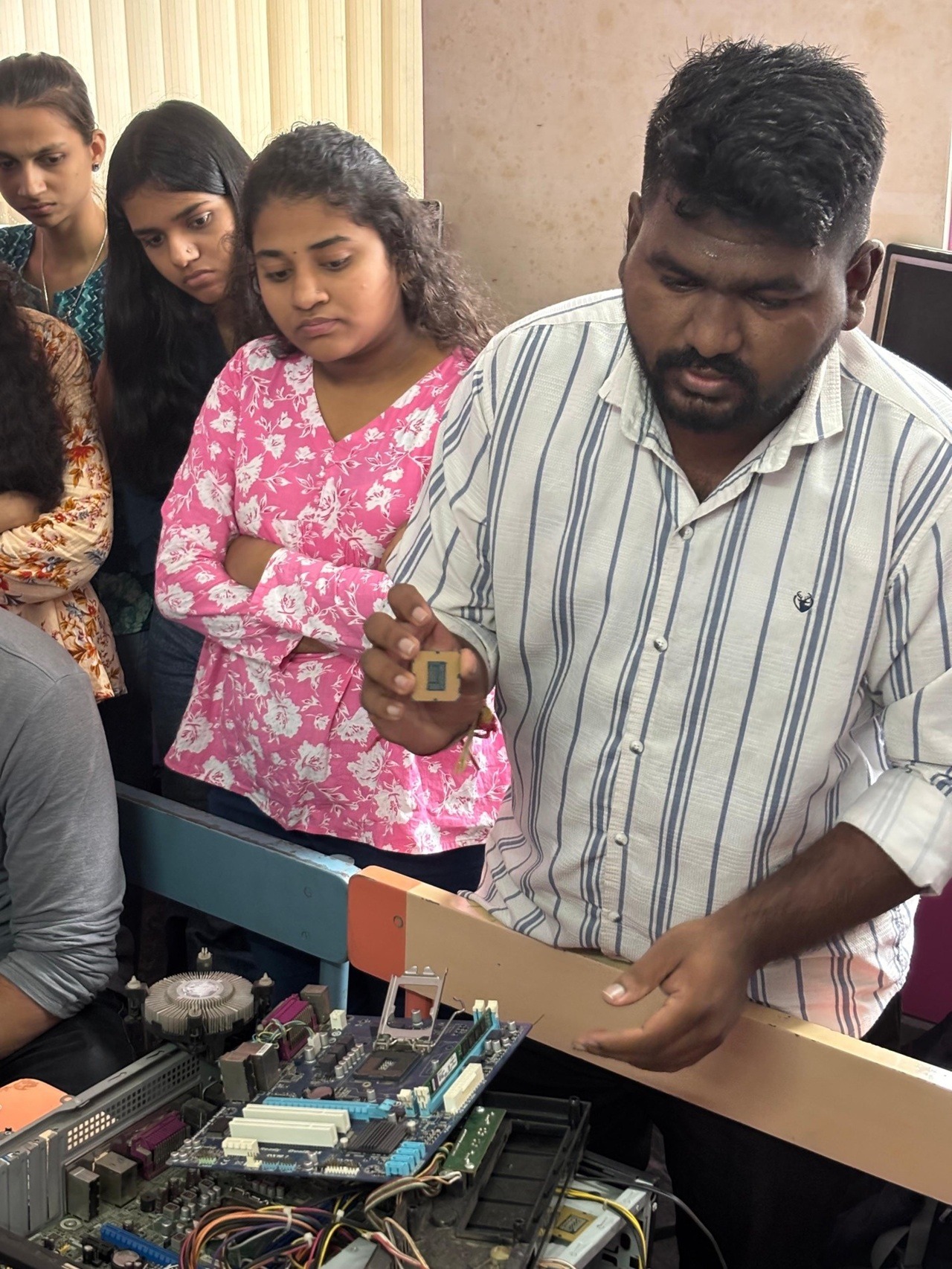
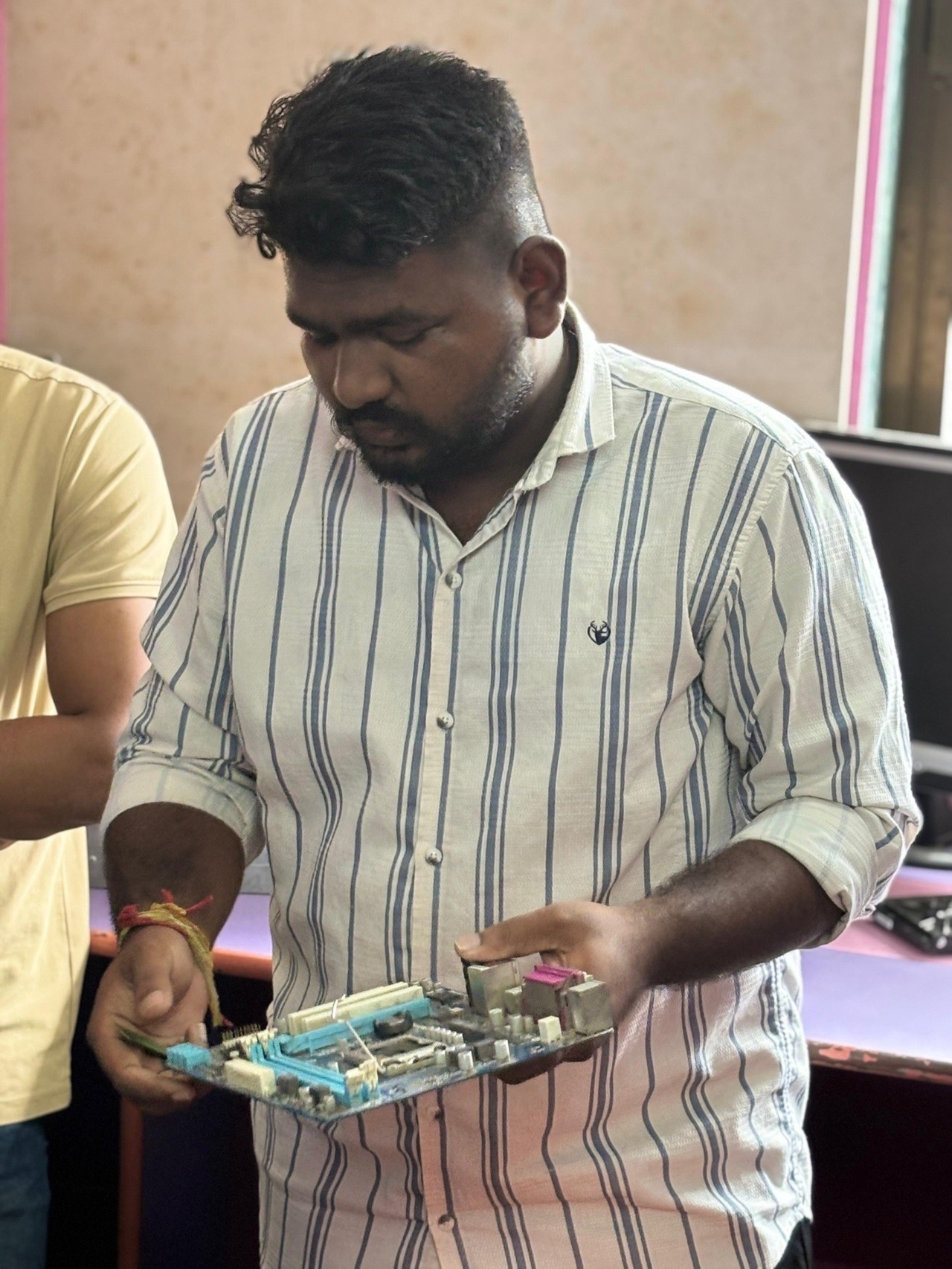
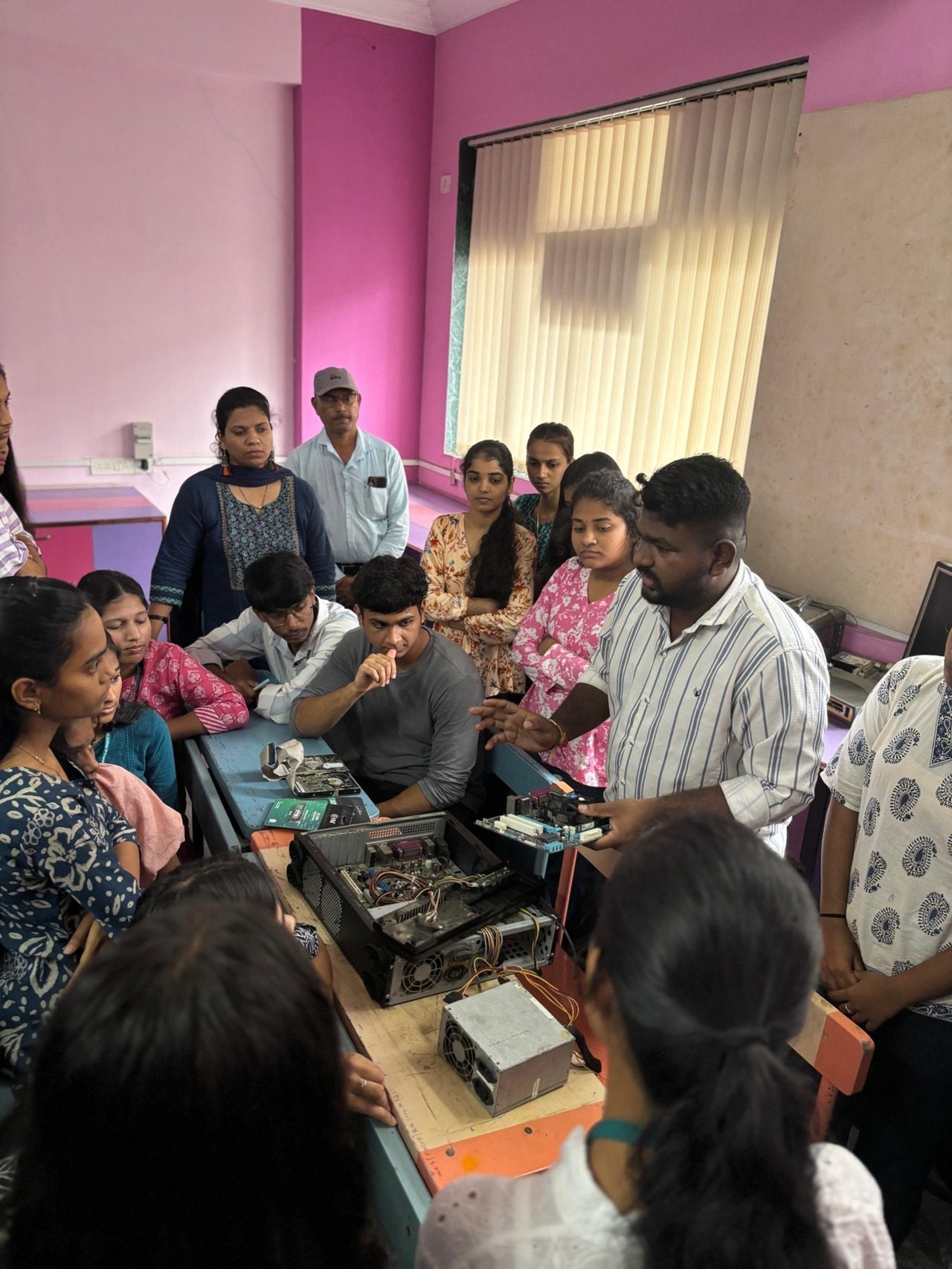
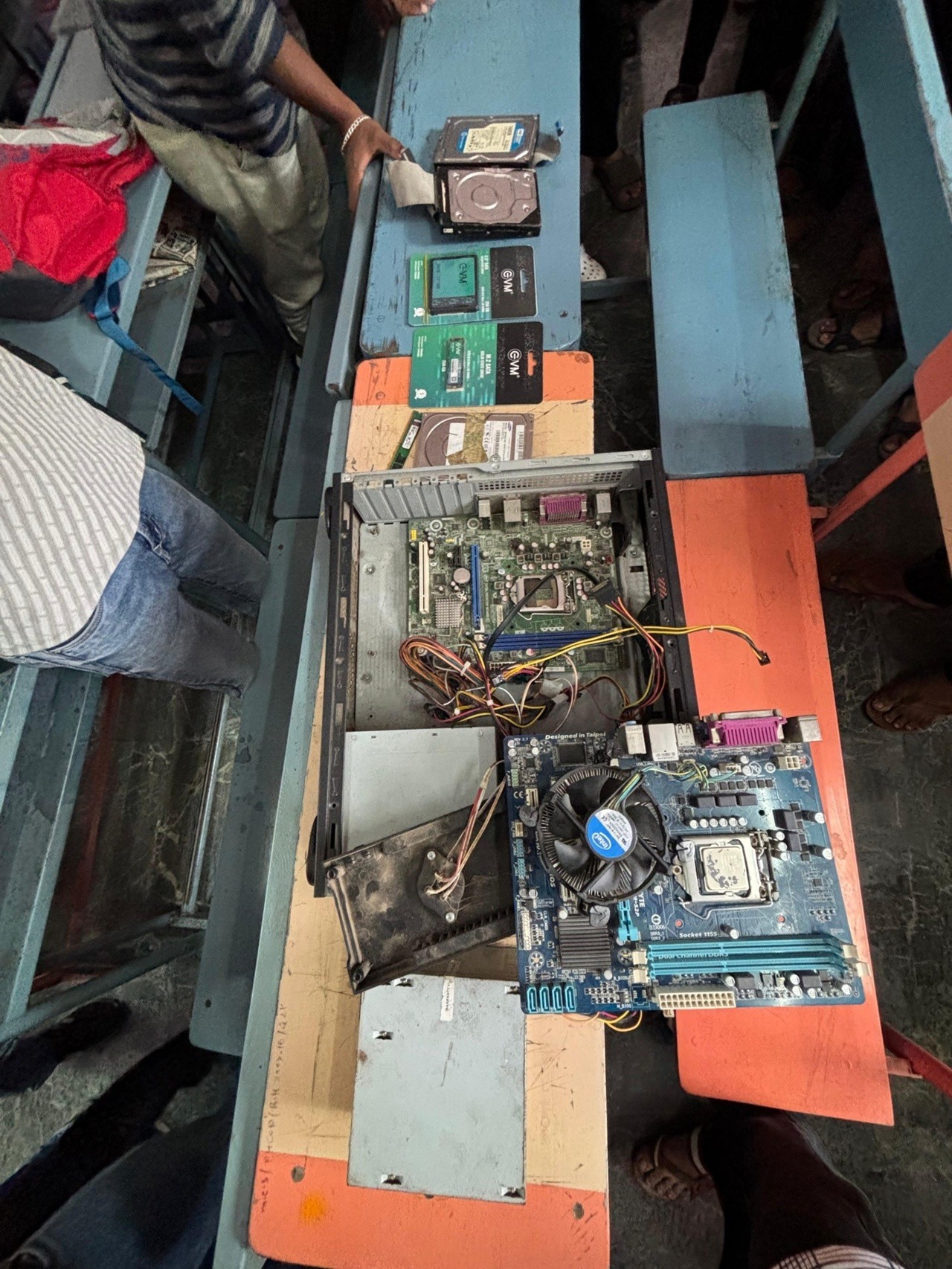
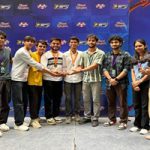
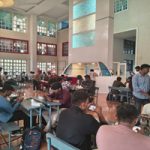
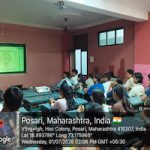
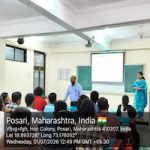
Speaker started the session with the introduction of different components of PC. He explains types of components available in the market. He has also shown them the hardware panel and different hardware components. Around 52 Second year ECE students attended the workshop.
The Workshop content is as follows:
The study and application of hands-on skills in computer hardware are essential for understanding how computers operate at the physical level. These skills enable learners and technicians to assemble, maintain, troubleshoot, and repair computer systems effectively. The objective of this report is to document the practical skills gained through hands-on training in computer hardware.
- Identification of Hardware Components
- Recognized and described the function of various components: motherboard, processor, RAM, hard drive, SSD, power supply, expansion cards, etc.
- Distinguished between different ports (USB, HDMI, VGA, etc.) and connectors.
- Assembling a Computer
- Installed CPU onto the motherboard with appropriate thermal paste.
- Installed RAM, power supply, storage drives, and expansion cards.
- Connected front panel headers, fans, and power cables correctly.
- Mounted the motherboard and components into the computer case.
- Ensured proper cable management and airflow.
- Disassembling a Computer
- Powered down and discharged static electricity using an anti-static wrist strap.
- Carefully removed each component while documenting the process.
- Stored components safely to prevent damage.
- Troubleshooting and Diagnostics
- Identified and replaced faulty RAM and hard drives.
- Diagnosed POST errors using beep codes and LED indicators.
- Used BIOS/UEFI settings to test hardware recognition.
- Resolved boot issues and overheating problems.
- Software and Driver Installation
- Installed operating systems (Windows/Linux) for testing.
- Installed and updated hardware drivers.
- Verified hardware functionality via Device Manager and system tools.
The hands-on experience with computer hardware provided valuable technical knowledge and practical skills that are essential for anyone pursuing a career in IT or computer maintenance At the end of the session questions were asked by the students regarding the troubleshooting of PC that was promptly answered by the speaker.